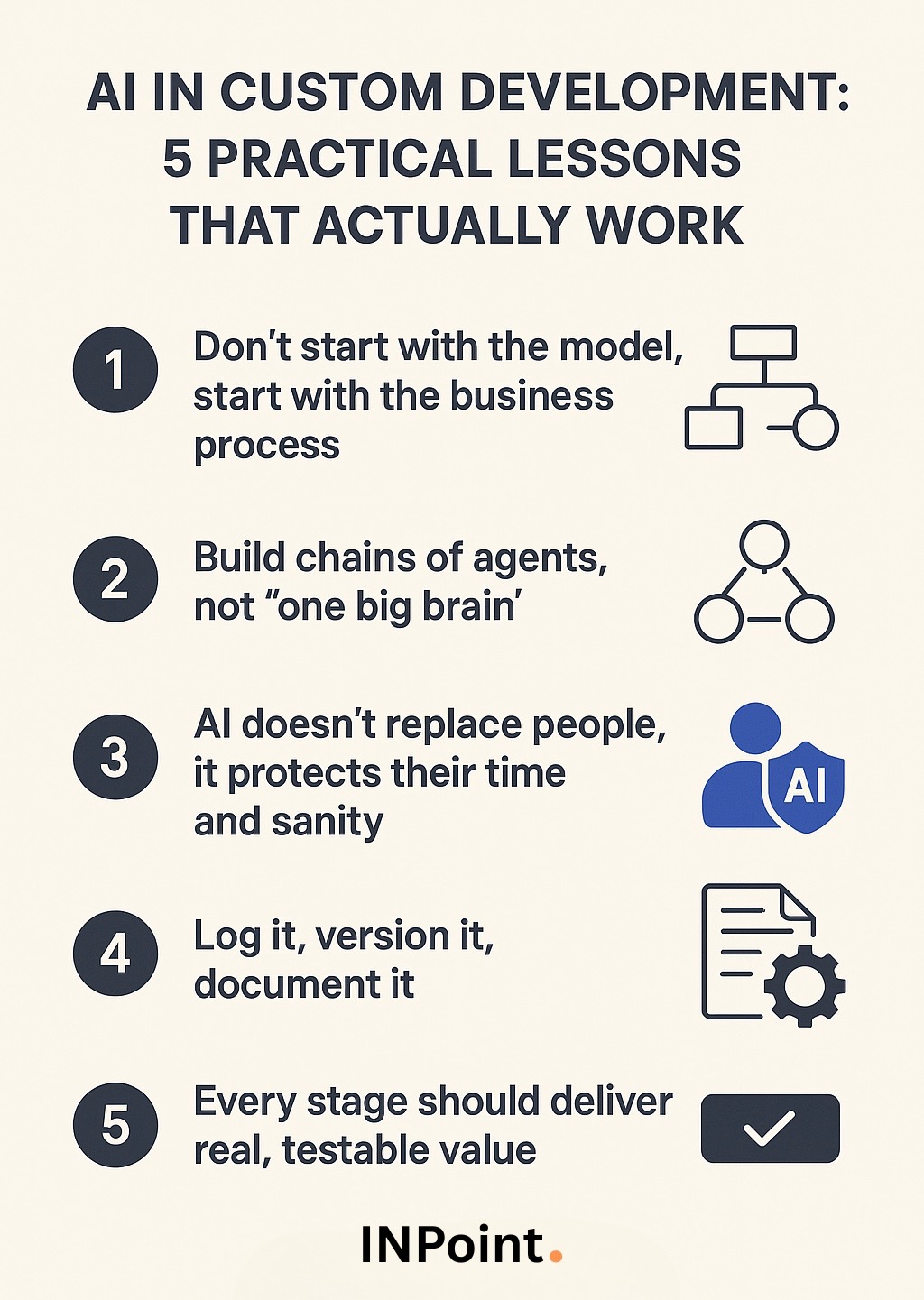
AI in Custom Development: 5 Practical Lessons That Actually Work
Written by Ilia Stupin
No hype, just what we’ve learned building real systems with AI.
AI is everywhere from customer service to industrial engineering, but when you’re building custom software, especially for non-standard, high-stakes business processes, it becomes clear: AI alone is not a solution. You need clear logic, solid architecture, and a well-defined role for AI in the workflow that supports people, not replaces them.
Here are 5 practical lessons we’ve learned from real-world AI development. These principles help us build solutions that don’t just look “AI-powered”, they actually deliver results.
⸻⸻⸻⸻⸻⸻⸻
1. Don’t start with the model, start with the business process
Before implementing any AI, we map out the full process manually:
• We bring in the real experts who understand when and how decisions are made,
• We gather operational documentation, templates, rules, and exceptions,
• We study regulatory frameworks and legacy logic.
For example, in an AI system that generates detailed technical machine configurations, we only began development after fully understanding how engineers worked, from initial checklist to final commercial proposal.
This upfront work allows us to build logic that makes sense for the humans using the system and the AI supporting them.
⸻⸻⸻⸻⸻⸻⸻
2. Build chains of agents, not “one big brain”
We don’t rely on a single all-knowing assistant. Instead, we build a chain of small, specialized AI agents:
• One handles input parsing
• Another performs calculations or decisions
• Another formats and delivers results
And we add validation agents to check and verify the output of others, making sure all required elements are present, formats are correct, and logic is sound. This modular approach makes the system more stable, easier to debug, and flexible to scale.
⸻⸻⸻⸻⸻⸻⸻
3. AI doesn’t replace people, it protects their time and sanity
In one of our projects, the company’s owner had to be available 24/7, personally responding to incoming leads, otherwise, they’d lose business.
We built an AI assistant that now:
• Responds instantly to common inquiries
• Handles lead intake and scheduling
• Sends proposals
Now the owner sleeps through the night and the business keeps running around the clock. This is where AI truly shines: as a reliable, always-on teammate that reduces stress and workload, not human value.
⸻⸻⸻⸻⸻⸻⸻
4. Log it, version it, document it
LLM-based systems are dynamic. Their behavior can (and will) shift over time. That’s why we:
• Log all inputs and outputs
• Version all prompts
• Comment every component of the logic
• Monitor system behavior regularly
Debugging AI is about tracking context, not just code. Without this discipline, even the best prompts or agents will turn into an unmanageable black box.
⸻⸻⸻⸻⸻⸻⸻
5. Every stage should deliver real, testable value
Even a prototype should do something real:
• a button that triggers the flow
• a file you can send to a client
• a report or result you can check by hand
This builds trust, helps your team adopt the technology faster, and allows incremental improvement based on real feedback, not just assumptions.
⸻⸻⸻⸻⸻⸻⸻
Final thoughts
Custom AI development is about architecture, discipline, and knowing when AI can support your logic… and ensuring it does not override it.
Thinking about bringing AI into your product or workflow? Let’s talk! We’ll show you how to do it the smart, practical way.